Creating design signatures involves collecting design activity information and making a representation. Sometimes these happen at the same time.
The design activity information can be collected either real time while a designer is in the midst of a design process, or a designer can think back on what they did and recall their design activities over time. There are many ways to collect design activity information, for example, direct observation, someone else observing you, making notes, taking photographs, etc. You can look at one of the lessons in the Dear Design curriculum for inspiration on ways to collect design here: Topic 3: How to Capture Design
It is possible to capture design processes by either individual designers or teams of designers. Many of the examples in this website come from activities with student designers who capture either their individual design process or the process of a team of students.
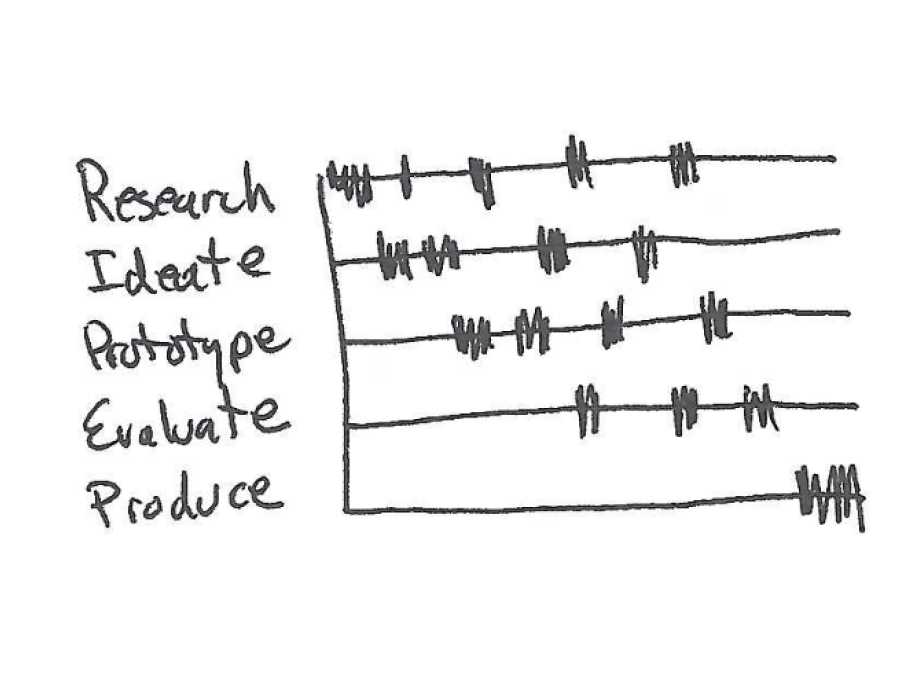
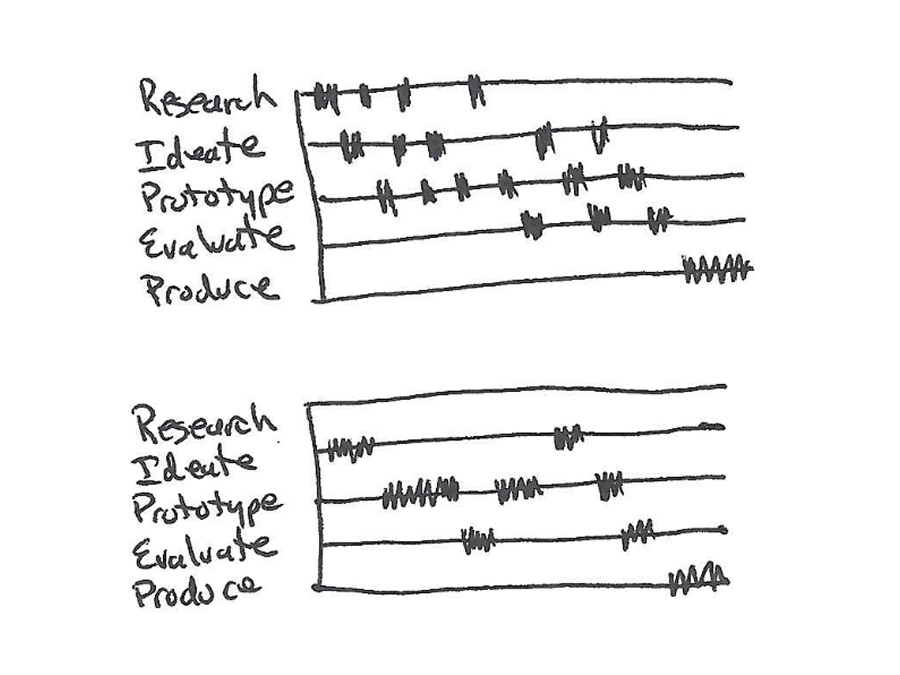
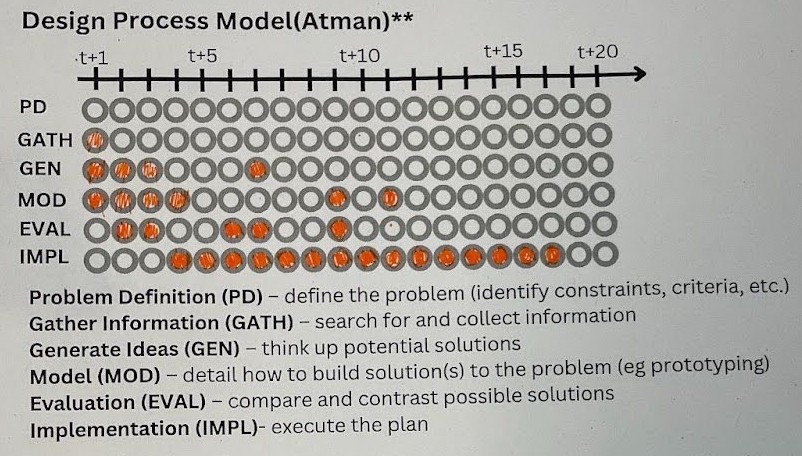
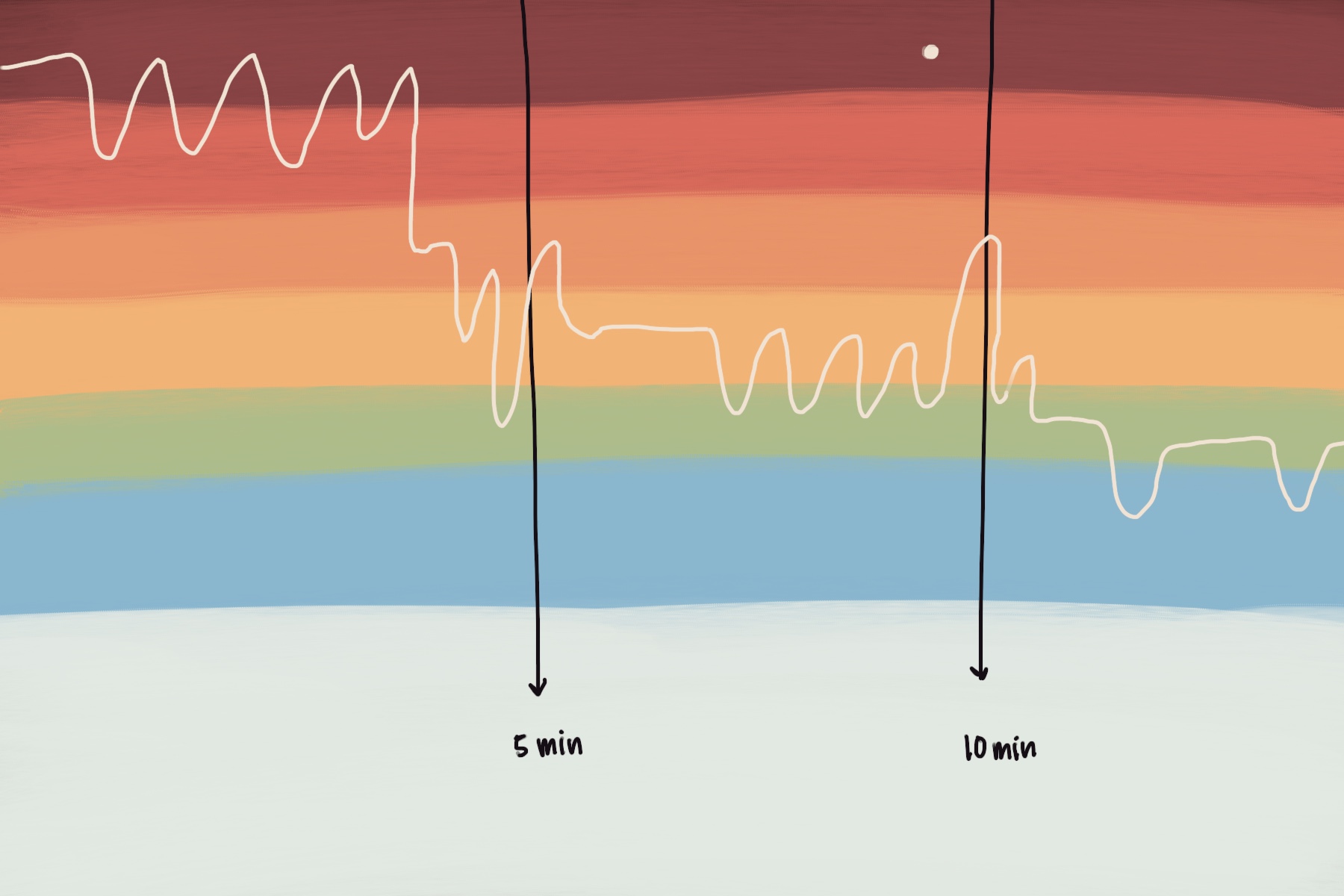
The examples of literal design signatures in this section illustrate not only ways to capture/represent but also different ways of naming design activities.
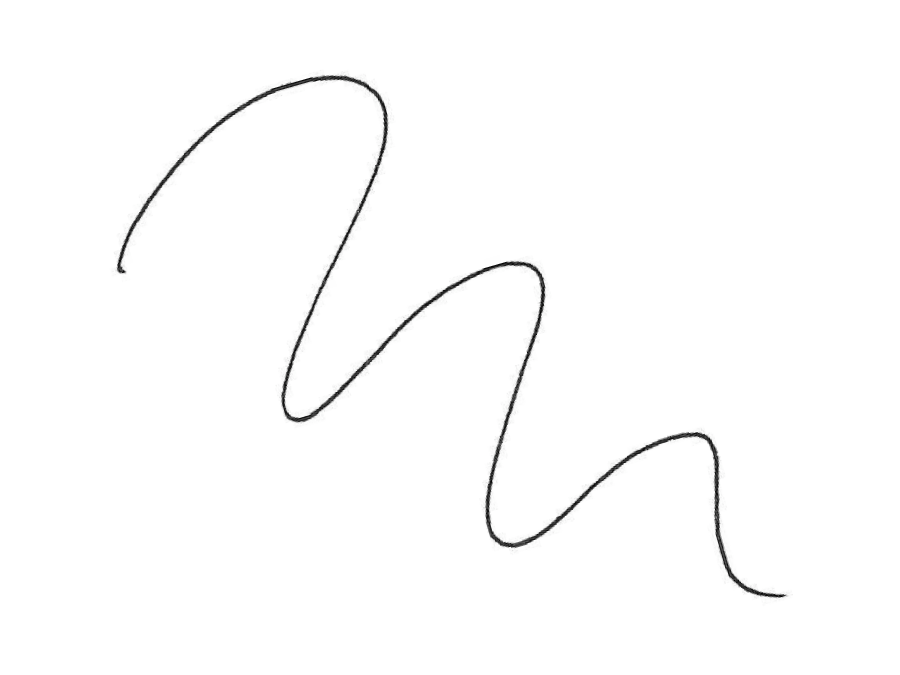
These sketches were used to illustrate literal design signatures in Understanding the Idea. Below are some specific examples of literal design signatures.
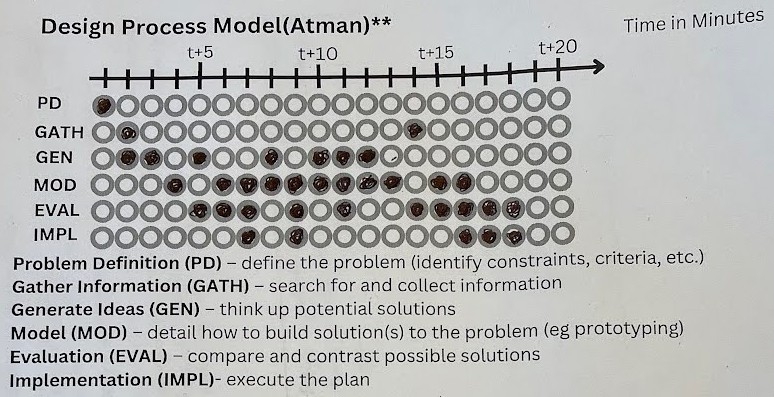
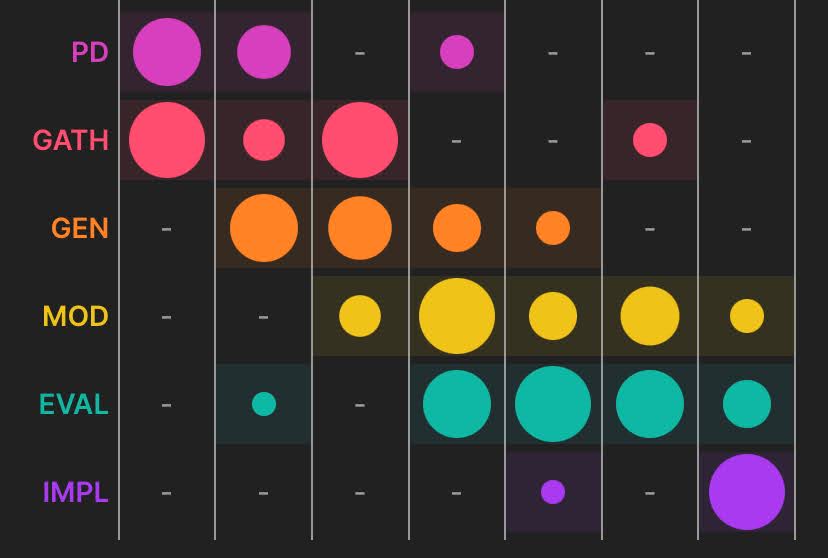
The bubble sheet is a paper & pencil version of a design timeline. These images were created in a classroom with a team of four students. Three students created a marshmallow tower in a design challenge. One student collected the data, coding the builders’ activities as they designed their tower.
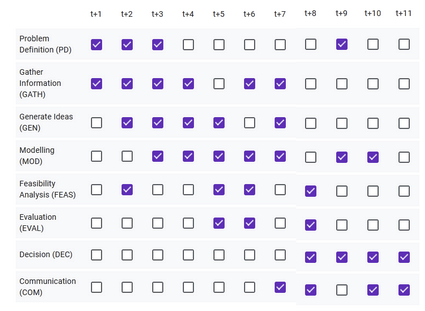
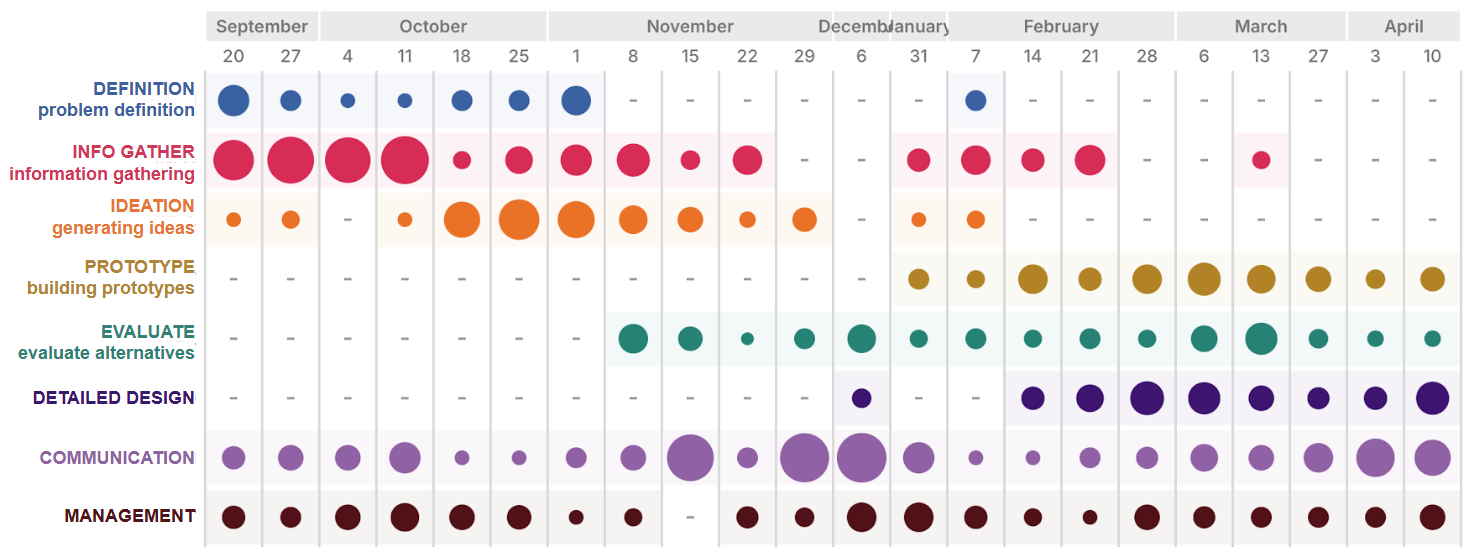
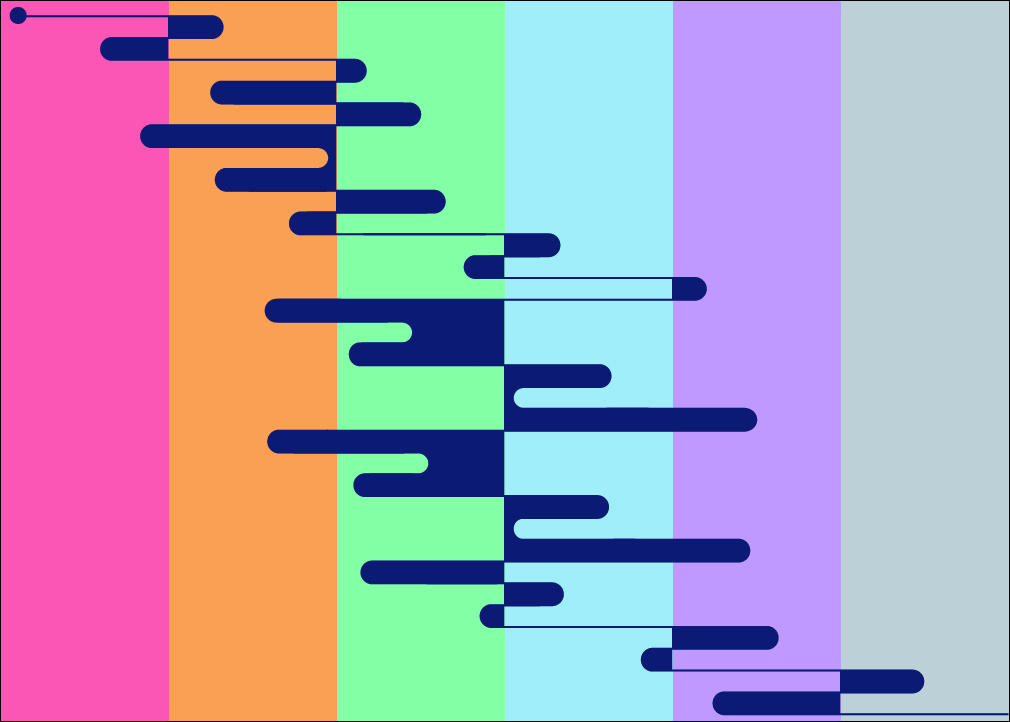
It is possible to collect the data with a spreadsheet or a Google Form. The example here is an image automatically created from data that was collected with a Google Form.
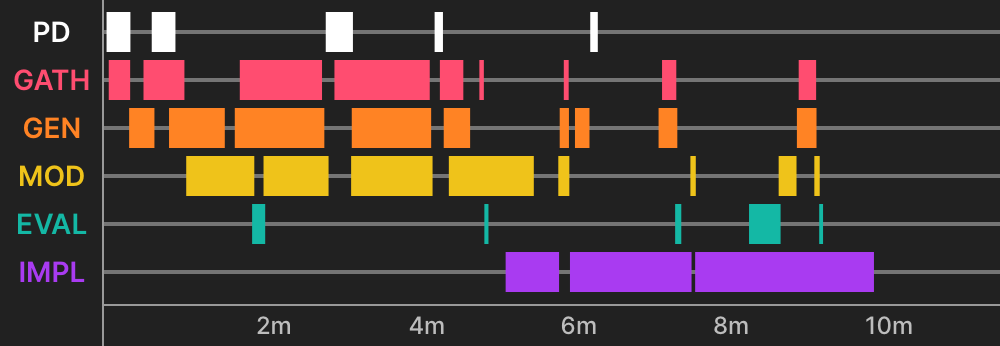
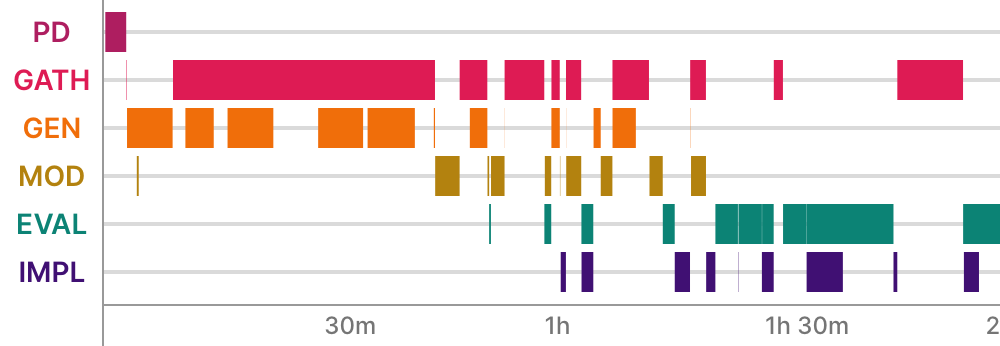
We created the Design Signatures App, where a designer can either synchronously capture activities during their design process or asynchronously recall their activities in a period of time. The app automatically creates the timeline images you see here. Users can choose the set of design activities that they want to track or use design models that exist in the app. (More information on how to use the app here.)
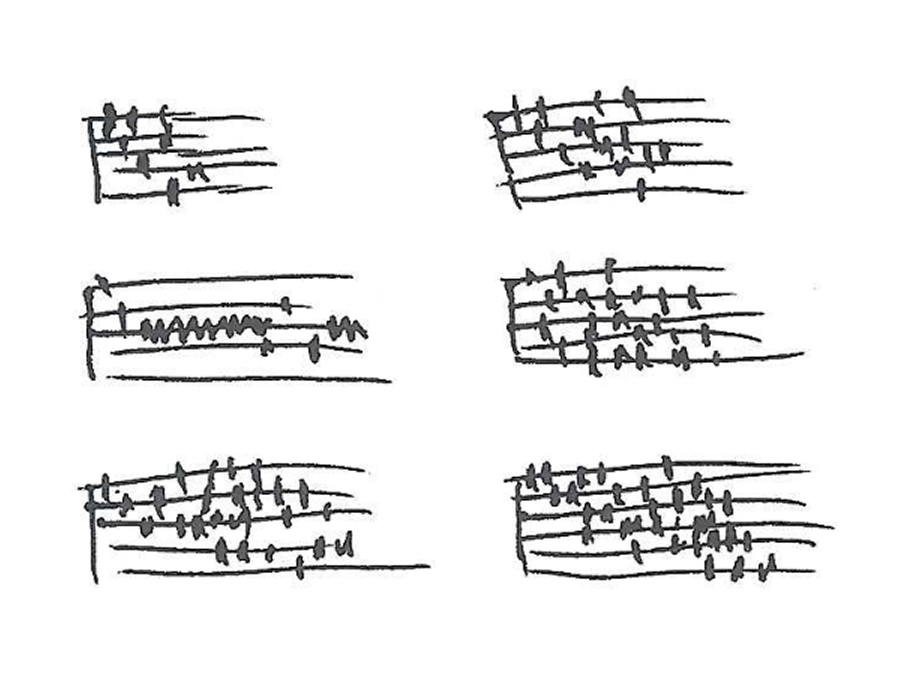
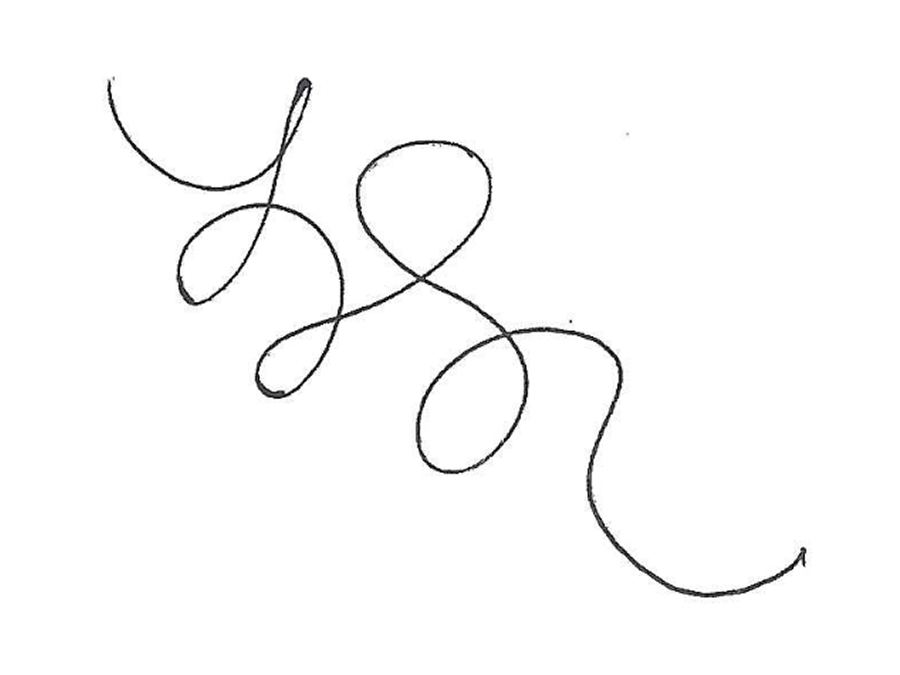
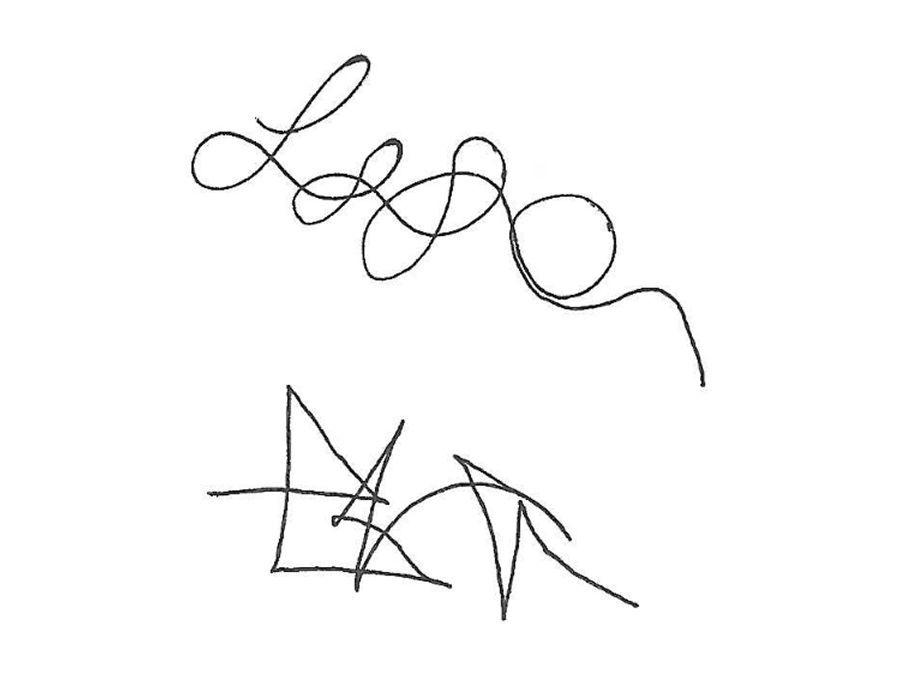
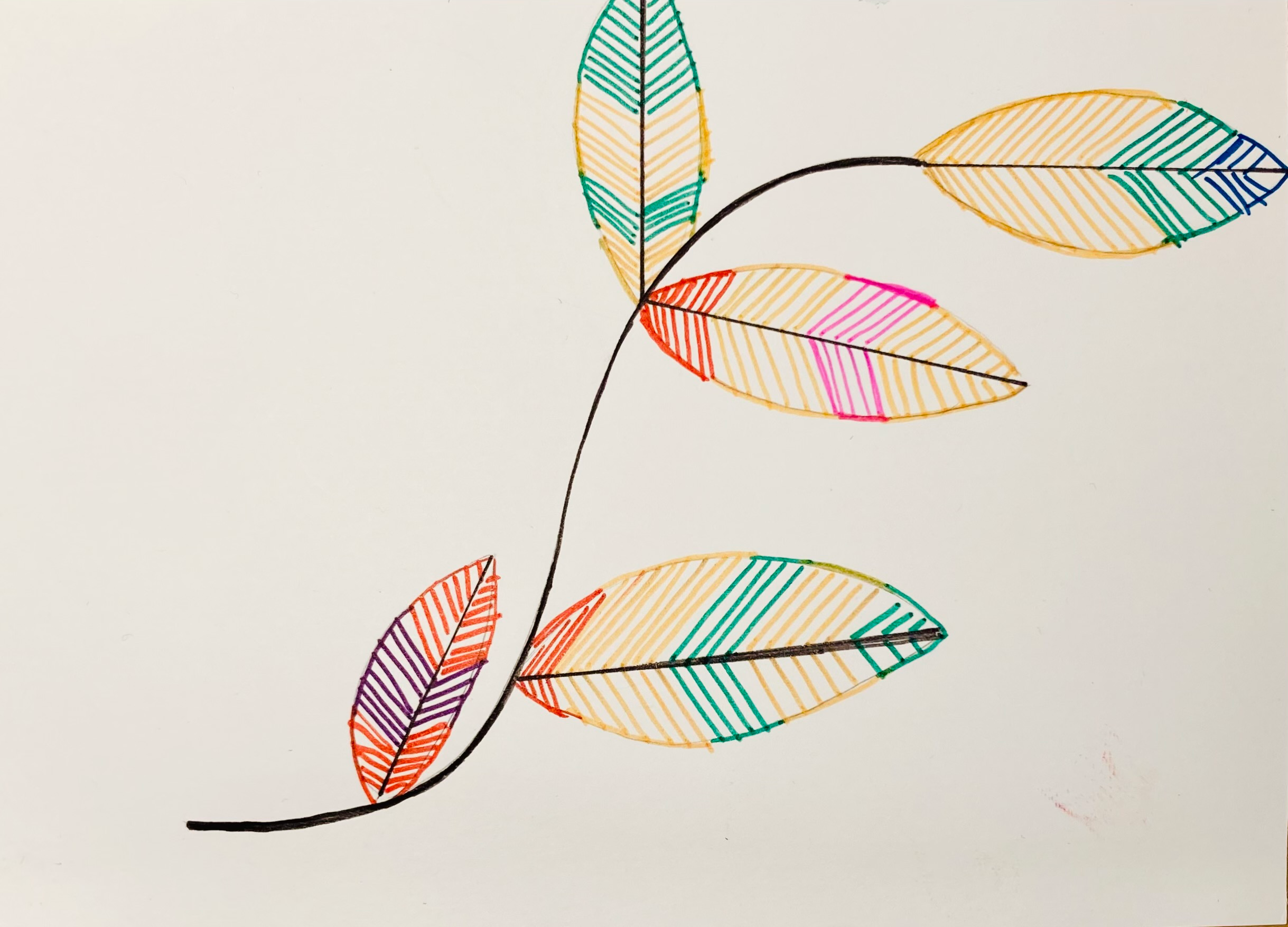
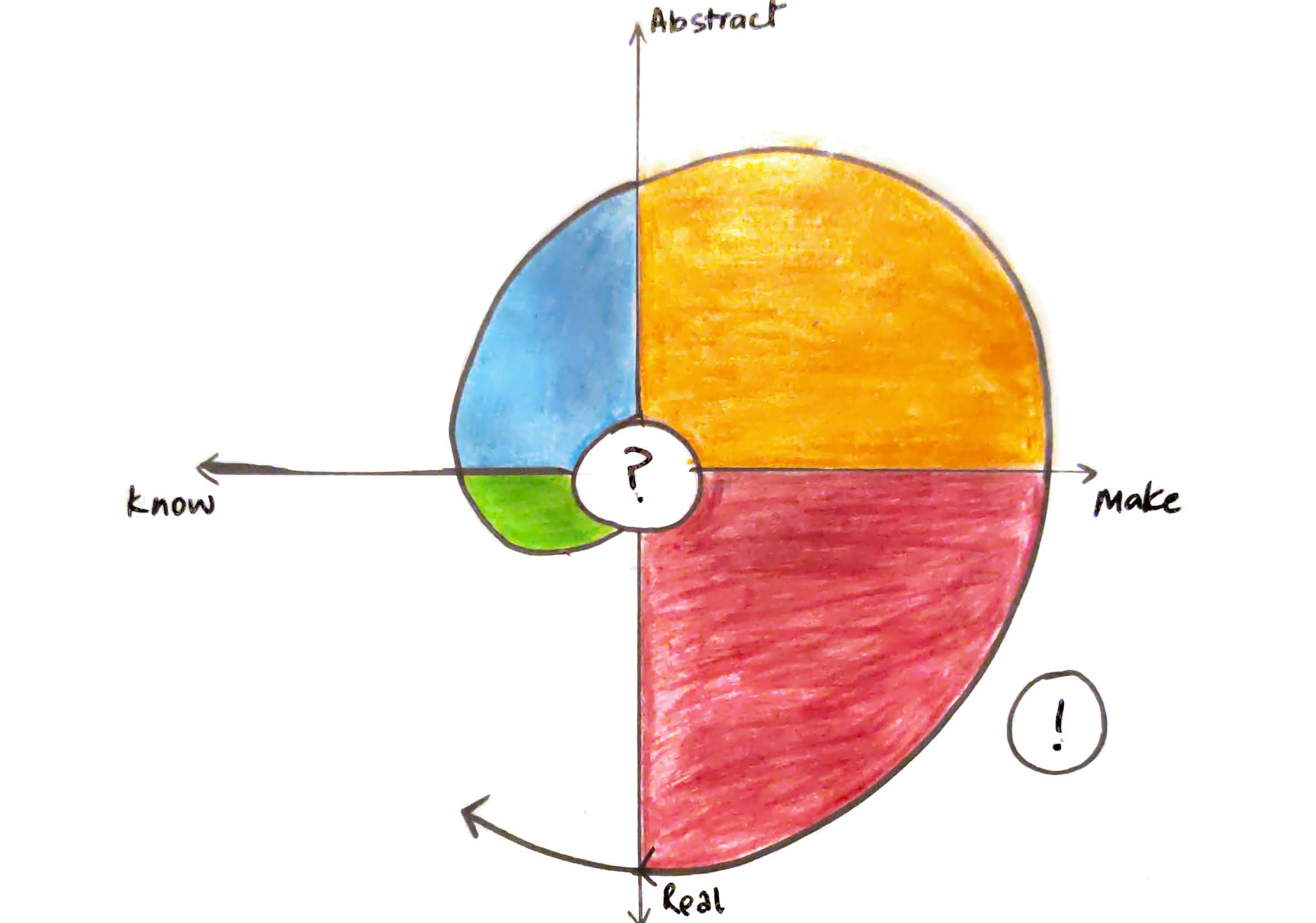
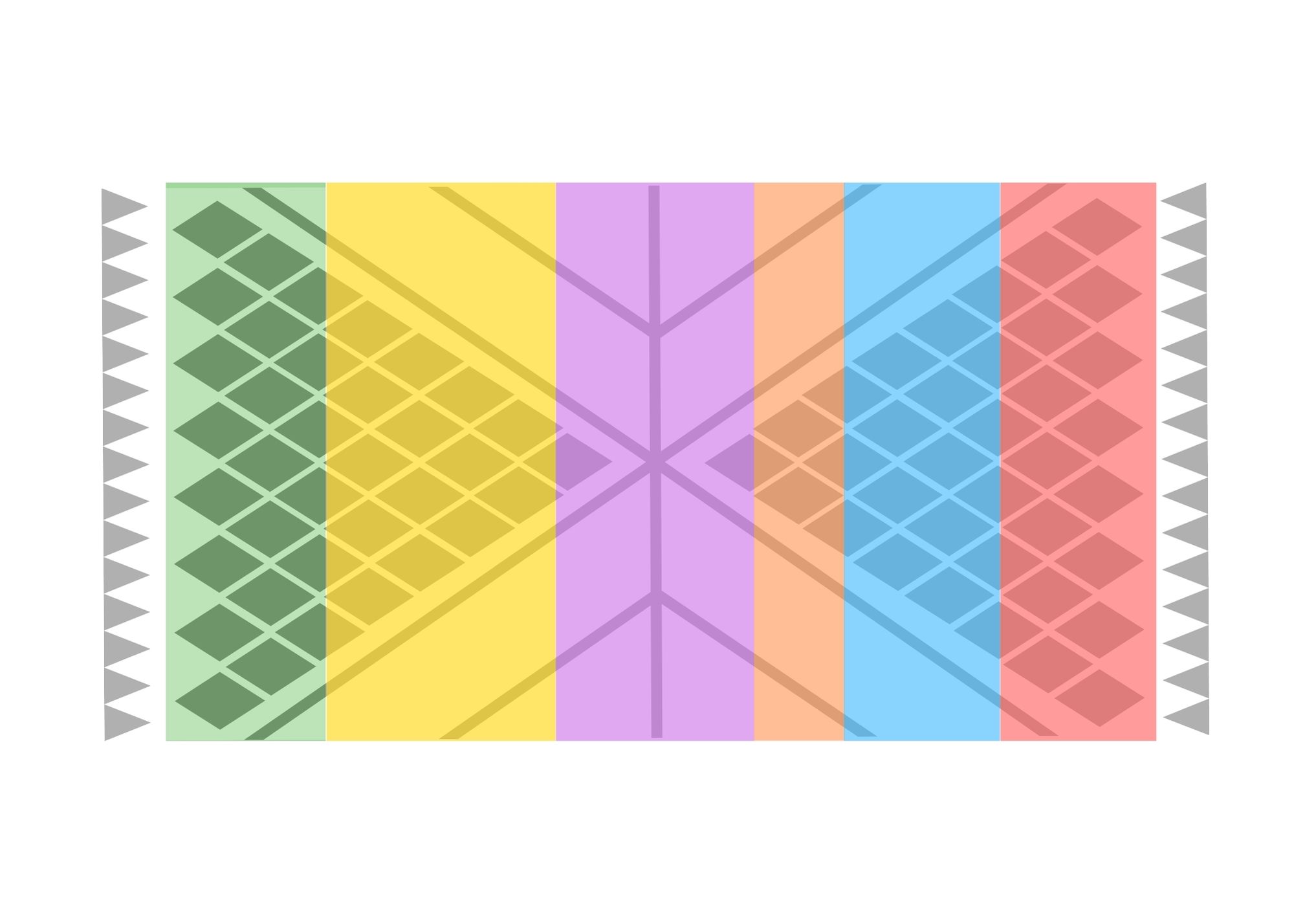
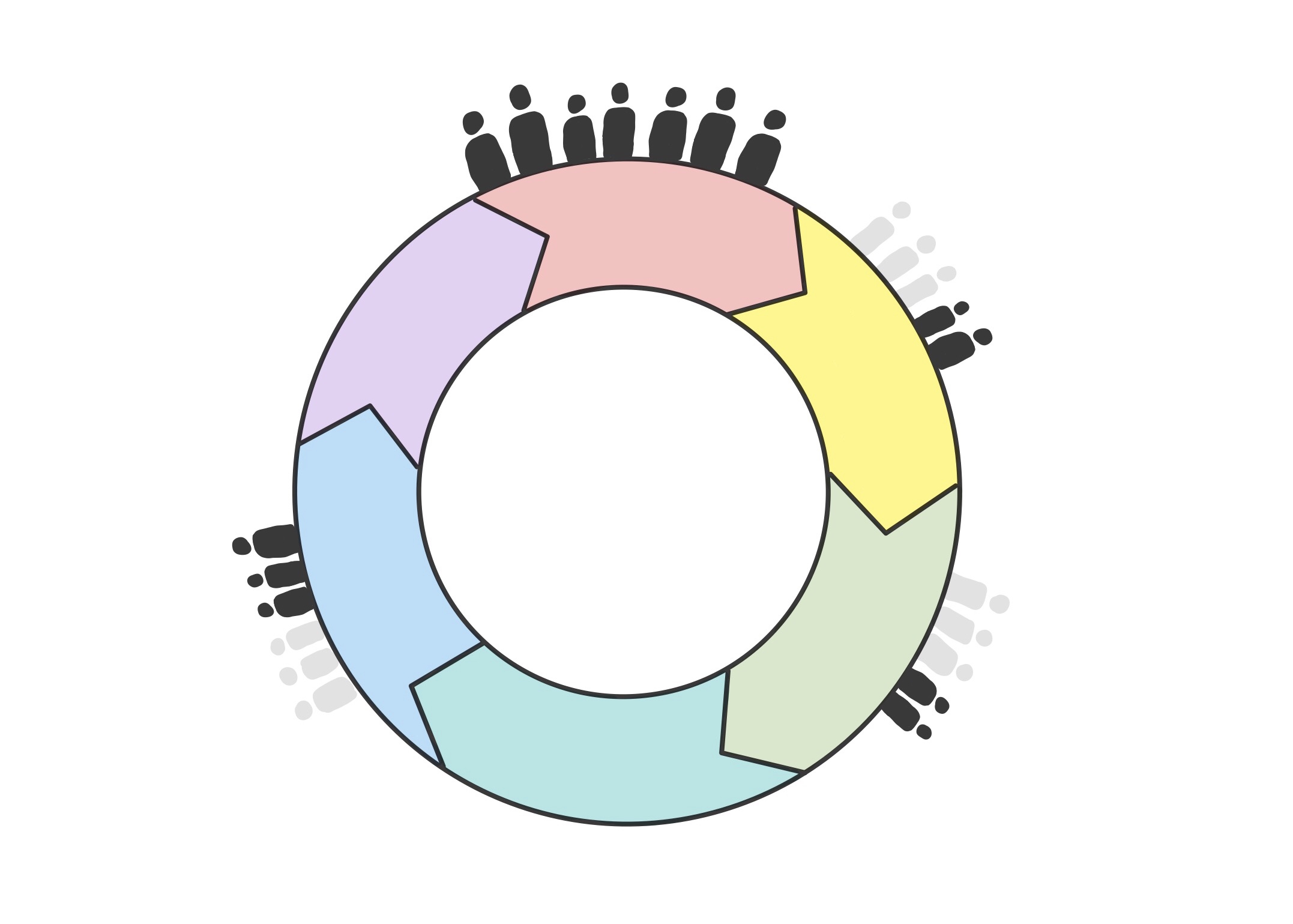
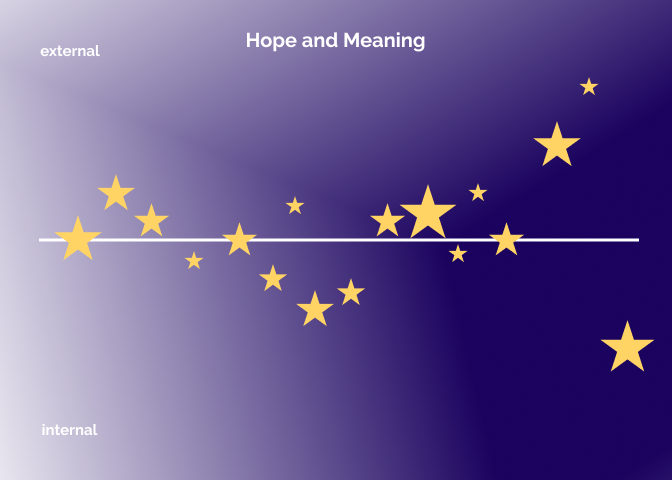
The examples of interpretive design signatures in this section illustrate how abstract representation can vary in how explicitly time is represented.
These sketches were used to illustrate interpretive design signatures in Understanding the Idea. Below are some specific examples of interpretive design signatures. More images like these can be found in these two sections: Dear Design postcards and Design Process Resilience postcards.